
TestFlight Beta Testing: Test an iPhone App Before Launch
TestFlight beta testing works like this: you upload a build to App Store Connect and share it through TestFlight, Apple's beta testing service. Up to 100 people on your own team can test right away. Up to 10,000 outside testers can join by email invite or a public link once Apple has approved your first build for testing. Each build stays available for 90 days. All of these limits come from Apple's TestFlight overview, as of November 2026.
TestFlight comes with the Apple Developer Program, which costs $99 a year according to Apple's program page (as of November 2026). If your app will be on the App Store, you are already paying for it.
Internal and external testers are two different things
TestFlight has two kinds of tester, and the difference decides how fast you can start.
Internal testers are people on your App Store Connect team. Apple's internal tester page caps a group at 100, and each person must already be an App Store Connect user with access to your app. Apple's TestFlight page says they need the Account Holder, Admin, App Manager, Developer, or Marketing role. Internal builds skip Apple's review, so a build can reach your team as soon as it finishes processing.
External testers are everyone else: customers, staff who are not in App Store Connect, friends, a pilot group. Apple allows up to 10,000 per app. Before any of them can install a build, it goes through TestFlight App Review.
For a small business app, the usual pattern is simple. The owner and one or two staff test as internal testers from the first working build. Real customers join as external testers once the app does something worth trying.
What Apple checks before outside testers get the app
The first build you send to external testers gets a full review against Apple's guidelines. Apple's page on inviting external testers says later builds for the same version might not need a full review. It also sets two limits worth knowing: you can have only one build of each version in review at a time, and you can submit up to six builds for TestFlight review in a 24-hour period.
Before that first review, Apple wants test information. The TestFlight page says a beta app description and beta app review information are required to share with external testers, and you need a feedback email address. Fill these in properly. The description is what testers see when they open the invite, so tell them in two sentences what the app is for and what you want them to try.
If your app needs a login, give the reviewer a working demo account in the review notes. Apple's help pages do not spell this out for TestFlight, but a reviewer who cannot get past the sign-in screen has nothing to look at. The same problem stops full App Store submissions too, along with the other causes we cover in why apps get rejected in App Review.
If a build is rejected, its status shows as Rejected in App Store Connect. You fix the issue and upload a new build. The review clears you for testing, not for the App Store. Your public release gets its own review later.
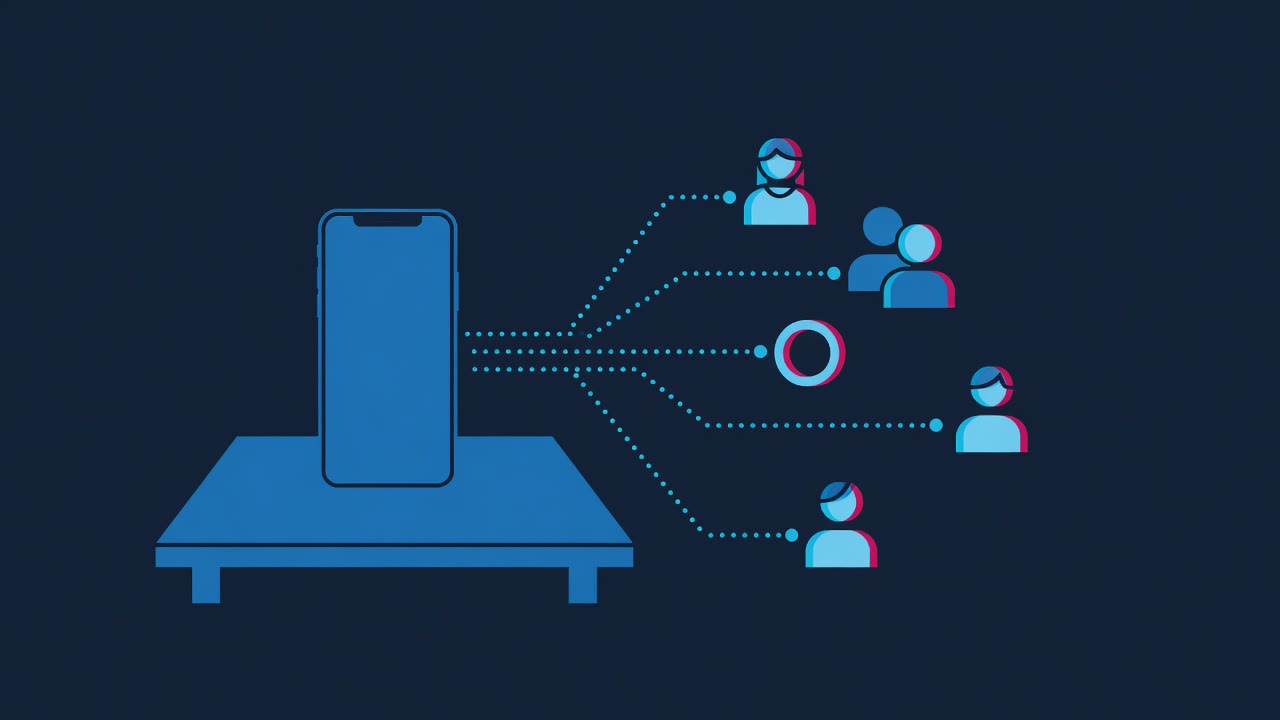
Internal testers can start the same day. Outside testers wait for one review on the first build.
Email invites or a public link
You can add external testers two ways.
Email invites go to a named list. You control exactly who gets the app, and testers do not need to share anything with you beyond an email address. This is the safer choice for anything sensitive, like an app holding client records or a booking system that sends real messages.
A public link is a URL anyone can open to join. Apple lets you set a tester limit between 1 and 10,000, and you can filter who joins by device type and OS version. Apple's own warning is the part to remember: anyone can share the link, so people you never invited can end up in your test. Set a limit, and turn the link off once the group is full. Apple also shows how many people viewed and installed the beta from your link, which tells you quickly if the invite landed or got ignored.
On the tester's side, they install the free TestFlight app from the App Store, accept the invite, and install your build. Apple's TestFlight page says one tester can use your beta on up to 30 devices.
The 90-day clock
Every build expires 90 days after you upload it. When it expires, testers cannot open it anymore. Nothing replaces it automatically. You have to upload a new build.
A long pilot with a handful of real customers can quietly break three months in when the build they rely on stops opening. If your beta will run longer than a couple of months, put a reminder in the calendar to ship a fresh build before day 90, even if nothing has changed.
TestFlight beta testing that gets useful feedback
The setup is the quick part. Getting testers to tell you something useful takes some planning:
- Give each round a specific job. "Book an appointment for next Tuesday, then reschedule it" gets real answers. "Have a look around" gets silence.
- Show testers how to send feedback. On recent versions of TestFlight, testers on iPhone can take a screenshot inside your app and send it with a note, and they can mark up the image. Crashes send you a crash report automatically. Most testers do not know either feature exists until you tell them.
- Ship at least one fix during the beta. It shows testers their reports matter, and they report more after that.
- Keep the group small at first. Ten engaged people who use the real workflow beat two hundred strangers who install it and forget it.
Here is an illustrative example, not a client project. A salon owner tests a booking app. The staff are internal testers from week one and use it to book each other. In the last two weeks before launch, twenty regular clients get email invites and one task: book your next visit in the app instead of calling. Every client who gets stuck is a support call you will not get after launch.

A short, specific task gets better feedback than an open invitation to explore.
TestFlight and Google Play testing are not the same
If you are launching on both stores, do not assume Android works the same way. TestFlight has no minimum number of testers and no required test length. Google Play makes new personal developer accounts run a closed test with at least 12 testers for 14 days before they can publish at all. We explain who that rule applies to, and how a business account avoids it, in our guide to Google Play's 12 testers rule.
Where TestFlight is the wrong tool
TestFlight is built for testing an app before or between releases. It is not a way to hand out an app privately for good. Builds expire, and the 10,000-tester cap is per app. If you need an internal app for your own staff that never goes on the public store, look at Apple's custom app distribution through Apple Business Manager instead, or keep it as a web app.
It is also not a substitute for testing it yourself first. If a build crashes on launch for your own team, it is not ready for customers. Internal testers exist for exactly that step.
And if your app is a simple informational one with no accounts, bookings or payments, a long beta may be more process than you need. A week with your own team and a few customers is often enough.
What to do next
Ask your developer whose Apple account the app is in, and who your internal testers will be. The app should sit in your company's account, for the reasons in our post on who owns your app. Our guide to publishing on the App Store and Google Play covers the steps after the beta. If you want a team that runs the beta with your real customers before launch, book a free intro call.

Passing beta review clears a build for testers only. The public release gets its own review.
Frequently asked questions
Is TestFlight beta testing free?
Testers pay nothing and install the free TestFlight app. As the developer, you need an Apple Developer Program membership, which costs $99 a year as of November 2026, and TestFlight is one of its listed benefits.
How many people can join a TestFlight beta?
Up to 100 internal testers from your App Store Connect team, and up to 10,000 external testers per app.
Does Apple review TestFlight builds?
Builds for internal testers skip review. The first build you send to external testers gets a full TestFlight App Review, and later builds for the same version might not need a full review.
How long does a TestFlight build last?
90 days from upload. After that, testers cannot open it, and you need to upload a new build to keep testing.
Your app. In the stores. Done for you. US APP Team designs, builds, and launches your iOS and Android app for a fixed price. Start your app brief or book a free intro call — both are free.
Want to poke around first? Every tool in our free tool library runs in your browser with no signup: an app cost calculator, an app name generator, and a privacy policy generator.
