
MVP App Launch: What to Check in the First 30 Days
After your MVP app launch, check four things for 30 days: how many people install it, how many of them do the one job it was built for, how many come back, and whether it crashes. Then ask one question: did the thing you wrote down before you built it actually happen? That is how you decide whether to build version two, change direction, or stop.
This guide is for owners whose app has just shipped or is about to. It assumes your MVP does one job, as we describe in our guide to what an MVP app costs.
Start with the sentence you wrote before the build
A good MVP starts with one sentence: the job the app does, who uses it first, and how you will know it worked. For example, "Existing clients book a slot from their phone, and it worked if 20 of them book without calling." If you wrote that sentence in your app brief, you already have your success test.
If you did not write one, write it today, before you look at any numbers. Numbers read after the fact bend to fit whatever story you want. A target set in advance does not.
Four numbers to check after your MVP app launch
You do not need a dashboard with forty charts. Four numbers are enough for the first month.
1. Installs from people you did not hand the app to
Your friends and your own staff will install the app. They tell you nothing about demand. Count installs from customers you reached through a flyer, a text message, a QR code, or a link on your website. If you send people to the app, note where each group came from, because that tells you which channel is worth repeating.
2. The core action
Installs are a vanity number. The number that matters is how many people did the one job. For a booking app, that is completed bookings. For a coaching app, it is a finished workout. For a field-service app, it is a logged job.
Compare it to the target in your sentence. If 60 people installed and 4 completed the core action, the app is not the problem you should fix first. The first screen, the sign-up step, or the way you described the app to customers probably is.
3. People who come back
Apple's App Store Connect shows retention at Day 1, 7, 14 and 28, which is the share of users who opened your app again that many days after installing (Apple, App Store Connect Analytics Help). Google Play Console has similar reports.
For most small-business apps, returning is not the right goal for every user. A customer who books a haircut every six weeks will not open the app on Day 7, and that is fine. Look at whether people come back when they have a reason to, not whether they open it daily.
4. Crashes
A crash on a first-time user is the most expensive kind. Google Play treats it as a ranking issue: its Android vitals page sets a bad behavior threshold of 1.09% of daily active users with a user-perceived crash, and an app over that line is likely to be less discoverable (Android Developers Blog, 2022). Check the crash report in both consoles every few days in the first month. If either shows a spike after you ship an update, treat it as urgent.

Most people who install will not do the core action, so count the ones who do.
What your store dashboards can and cannot tell you
Both stores give you free reports, and both have limits that matter when your audience is small.
Apple's usage numbers, including retention and sessions, only include users who agreed to share diagnostics and usage data with developers. Apple also notes that a usage metric needs at least five active devices in the date range before it shows (Apple, app usage metrics). So the iPhone numbers show a sample, not everyone.
With a first audience of 30 or 50 people, a percentage can swing wildly on one person's behavior. If 4 of 5 people came back, you have four returning people out of five, not a trend. Read the raw counts and ask the people behind them.
If you want more detail than the stores give you, such as which screen people leave on, add a product analytics tool. Do it for a reason, not by default. It adds work and, in many cases, a privacy disclosure. Our guide to app privacy and terms requirements covers what to tell users.
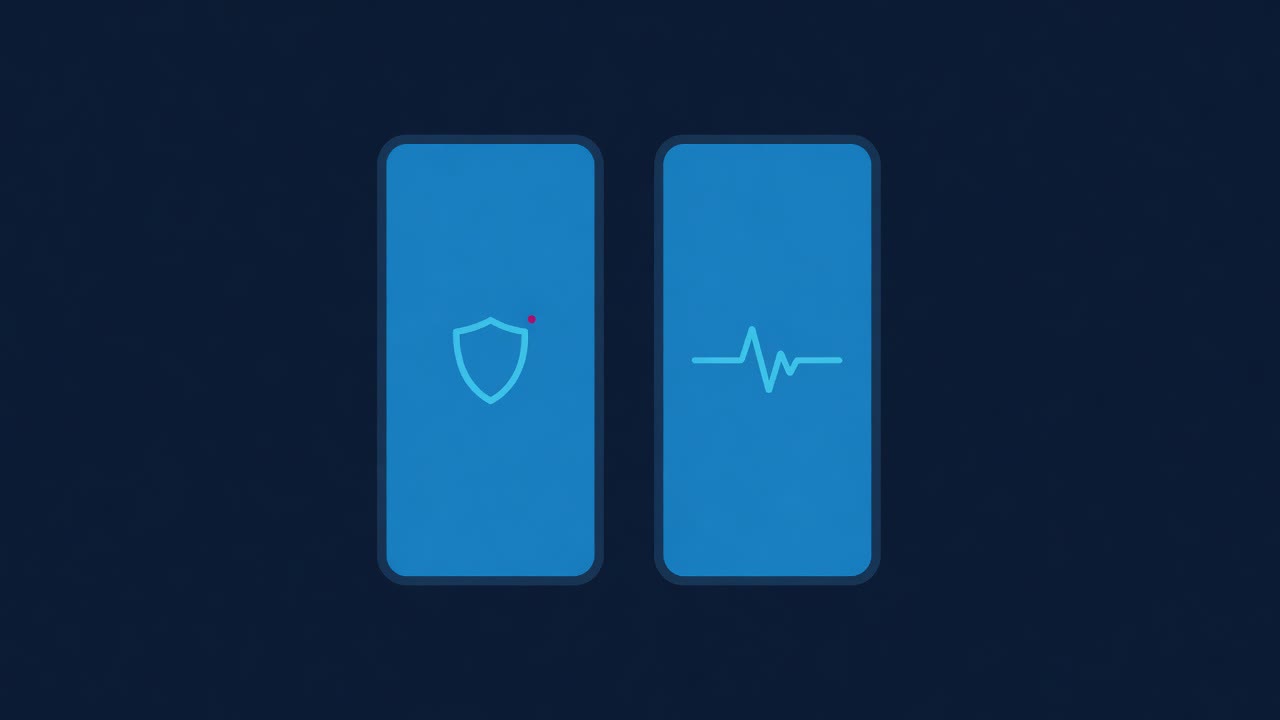
Check crash reports in both stores every few days in the first month.
Talk to ten users
The numbers show what happened but not why. In the first 30 days, call or message ten people who installed the app and ask three things:
- What were you trying to do when you opened it?
- Where did you get stuck?
- What did you expect it to do that it did not?
People often name the missing step in one sentence, and you can sometimes fix it in a day.
Fix, wait, or change direction
At day 30, put your results next to your original sentence and pick one of three paths.
- The target was met: build version two. Take the top item from your "later" list, not a new idea. Our app brief wizard works for the second version too.
- People install but do not complete the core action: change the first-run experience before you add a feature. This is usually the cheapest fix, and often a copy or screen order change rather than new code.
- Few people install at all: the app may be fine, and your promotion may be the gap. Before spending more on development, check whether the people you reached even needed the thing. A website or a simpler tool might serve them better.
Some ideas do not survive the test. That is what an MVP is for: you learn it after a small build, not a large one.
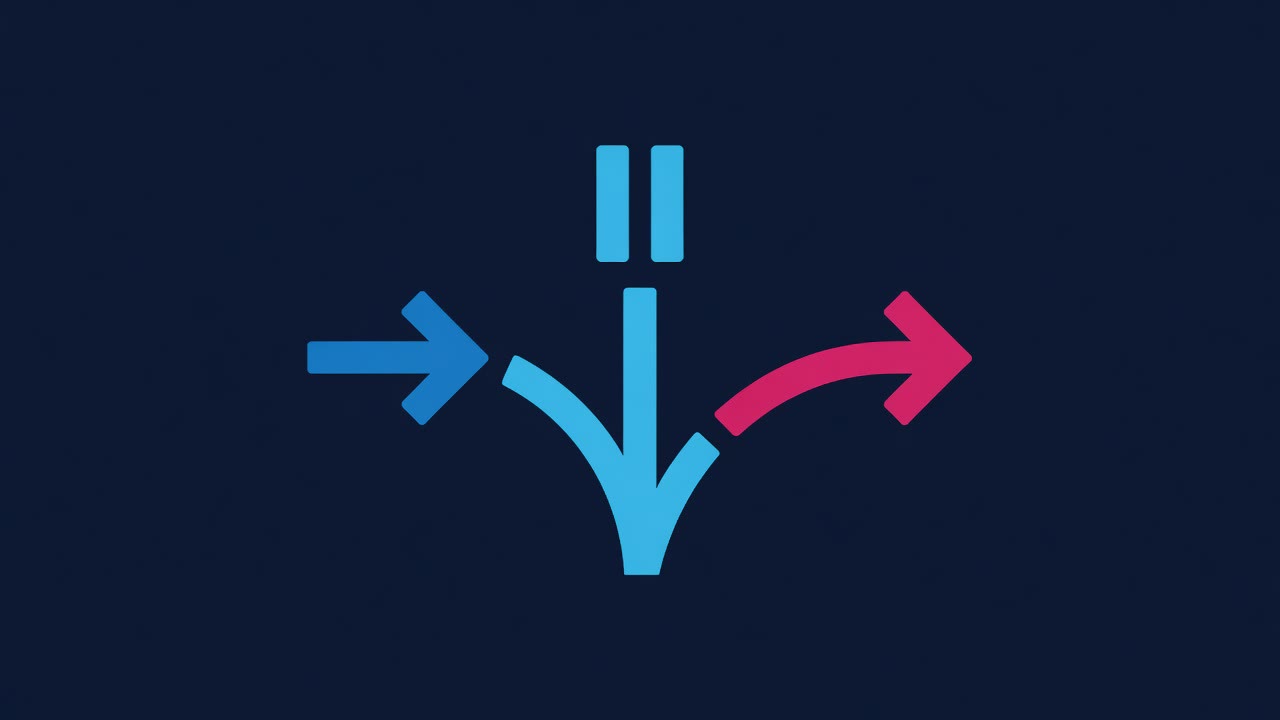
Your original sentence decides which path you take at day 30.
Keep the app alive while you wait
Once you have watched the numbers for a month, resist the urge to leave the app alone for a year. Both stores raise their requirements on a schedule, and an unmaintained app drifts below the line. We explain what that looks like in what happens if you do not update your app, and what it costs to run an app each month helps you budget for it.
When this approach is the wrong one
A 30-day check suits a small app with a simple job. It fits poorly if your app needs a large network of users on day one, like a marketplace where buyers and sellers must both show up. It also fits poorly if the app is a regulated product, such as one that handles health data, where launch itself needs legal review. In both cases, you need a bigger team and a longer plan than a 30-day test.
MVP app launch FAQ
How long should I wait before judging my MVP app launch?
Give it 30 days of real promotion to people outside your circle. Fewer than that and the numbers are too small to read. If you have not promoted it at all, the clock has not started.
Do I need an analytics tool for an MVP?
Not at first. App Store Connect and Google Play Console already show installs, retention and crashes for free. Add a product analytics tool when you have a specific question the store reports cannot answer.
What if almost nobody uses the app?
Talk to the people who installed it and the people you hoped would. Low use after a real promotion push is useful information, and it costs far less to learn from a small build.
Next step
If your MVP is live and you want a second opinion on the numbers, or you are still deciding what version one should include, book a free intro call or look at our fixed pricing.
Your app. In the stores. Done for you. US APP Team designs, builds, and launches your iOS and Android app for a fixed price. Start your app brief or book a free intro call — both are free.
Want to poke around first? Every tool in our free tool library runs in your browser with no signup: an app cost calculator, an app name generator, and a privacy policy generator.
