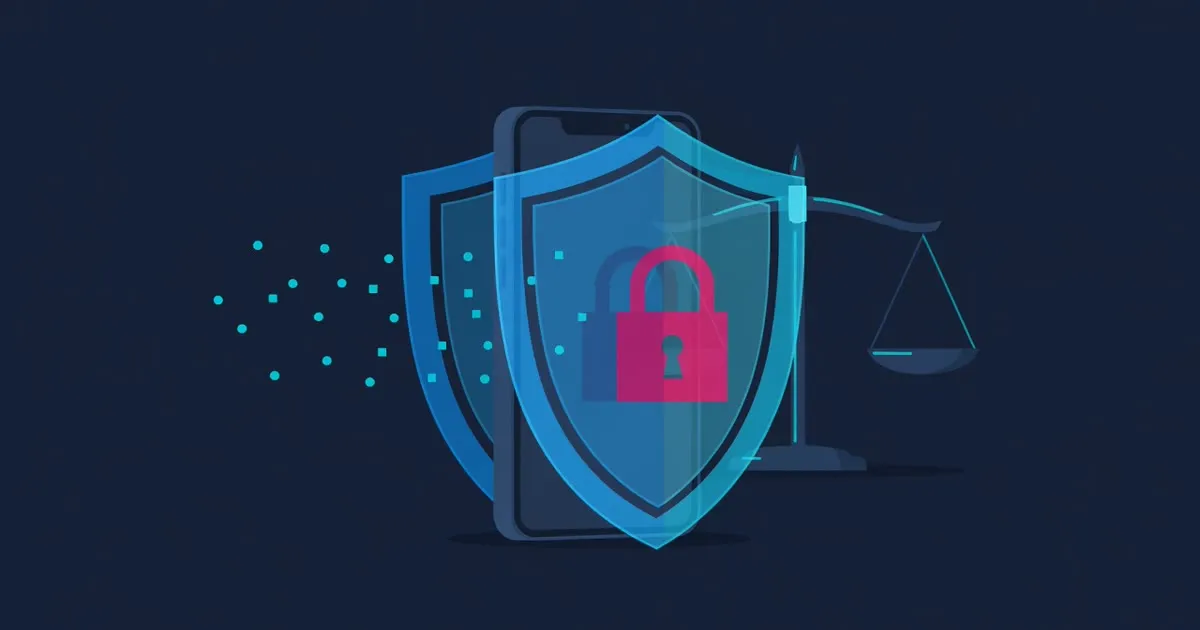
App Privacy Regulations: The US Laws Your App Must Follow
App privacy regulations in the US are not one law. A small-business app usually answers to three layers at once: the app store rules from Apple and Google, the federal children's privacy rule (COPPA) if kids can use it, and a growing set of state privacy laws that apply based on where your users live, not where your company sits. Most small apps stay under the big state thresholds. A few laws reach small businesses anyway, and those are the ones that catch owners out.
This guide covers who each law applies to, what it asks your app to do, and the short list of features that keeps you on the right side of all of them. It is a plain-language map, not legal advice.
Layer one: the store rules apply to everyone
Before any statute, Apple and Google already require a privacy policy, a data disclosure form, and in-app account deletion for apps with accounts. We cover those in detail in what Apple and Google check in your privacy policy. The short version: the stores check that your policy, your disclosure form and your app's real behavior agree. Every app has to meet this layer, whatever its size.
The laws below sit on top of it, and the work overlaps a lot. An app that is honest on its store forms and lets people delete their data is already most of the way to meeting the state laws.
COPPA: any app that children under 13 use
The Children's Online Privacy Protection Act is the federal privacy rule most likely to reach an ordinary app. It applies if your app is aimed at children under 13, or if you know you are collecting data from them.
The FTC amended the rule, and the changes are now in force. The amended rule was published on April 22, 2025, and covered companies had one year from that date, so until April 22, 2026, to fully comply.
The biggest change for apps is consent for third parties. The FTC's announcement says operators must get separate verifiable parental consent before disclosing a child's data to third parties, and parents must opt in to third-party advertising. A single "I agree" at signup no longer covers your ad network.
You also can't keep a child's data forever. The rule lets you hold it only as long as you reasonably need it for a specific purpose. And the definition of personal information now includes biometric identifiers, so a face or voice print counts.
If your app is a kids' learning tool, a youth sports roster or a family game, design for COPPA from day one. Retrofitting parental consent into a finished app is slow and expensive. Separate age-verification laws in Texas and other states also put duties on app owners; we cover those in app store age verification laws.
!Silhouettes of a parent and a child beside a shield with a padlock and a tablet Under the amended rule, a parent who agrees to your app has not yet agreed to your ad network. That takes a separate yes.
California: big thresholds, strong rights
California's privacy law (the CCPA, as amended) applies to a for-profit business that does business in California and meets at least one of three tests, per the statute text:
- annual gross revenue above the adjusted threshold, which the California Privacy Protection Agency lists as $26,625,000 since January 1, 2025
- buys, sells or shares the personal information of 100,000 or more consumers or households a year
- earns 50 percent or more of its revenue from selling or sharing personal information
Most small-business apps stay under all three. The trap is the second test. "Sharing" includes passing data to ad networks for cross-context advertising, so a free, ad-supported app with a large California audience can reach 100,000 without much revenue at all.
If you are covered, your users get rights you must honor: to know what you collect, to delete it, to correct it, and to opt out of the sale or sharing of their data. In practice that means a delete-my-data path and a way to switch off ad sharing, both of which your app should have anyway.
Texas: a small-business exemption with a catch
Texas is the law most owners miss. The Texas Attorney General's summary says the Data Privacy and Security Act covers companies that do business in Texas or offer a product or service used by Texans. Instead of a revenue or user-count test, it exempts small businesses.
Small businesses, as the federal Small Business Administration defines them, are generally exempt, with one exception that matters for apps: a small business must get consent before it sells a consumer's sensitive data. Sensitive data includes precise geolocation and the data of a child under 13. So a small delivery, field-service or dating app that sells location data to a partner is inside the law.
The Attorney General enforces it alone. There is no private right to sue. The office must give written notice and 30 days to fix the problem before it sues, and penalties after that reach up to $7,500 per violation.
Virginia and the states that copy it
Virginia's Consumer Data Protection Act is a good example of the user-count model. Per the Virginia Code, it applies to businesses that operate in Virginia or target its residents and either handle the data of at least 100,000 Virginia consumers a year, or handle the data of at least 25,000 and earn over half their revenue from selling personal data.
Many other states have passed laws built on a similar user-count model, with their own numbers and dates. Rather than memorize each one, design to the common core: tell people what you collect, let them access and delete it, get opt-in consent before using sensitive data, and let them opt out of targeted ads and data sales. An app that does those things is well placed for most state laws written so far.
!A US map in blue tiles with location pins linked to a phone; the highlighted states are decorative Where your users live decides which state laws apply, not where your company is registered.
Washington: health data, any size, and private lawsuits
This is the one I would worry about if your app touches health at all. Washington's My Health My Data Act covers any entity that does business in Washington or targets Washington consumers. Small businesses are included; they simply had a later start date of June 30, 2024, according to the Washington Attorney General.
"Consumer health data" is broad. The Attorney General's own example is that an app tracking someone's digestion or perspiration is collecting consumer health data. Fitness, wellness, period-tracking, sleep and diet apps should all assume they are covered. The law requires consent before you collect or share that data, valid authorization before you sell it, and deletion on request, including from backups.
Enforcement is what makes it different. A violation counts as a violation of Washington's Consumer Protection Act, which the Attorney General enforces and individuals can sue under. That private right of action is why this law deserves real attention even for a small coaching app. If you are building one, our fitness coaching app guide covers how we scope health features.
What app privacy regulations require you to build
These five features cover the overlap of nearly every rule above, and each one is ordinary app work:
- A data inventory. List every data type the app and its SDKs collect, including analytics, crash reporting and ad SDKs.
- Consent screens for sensitive data. Location, health, biometrics and children's data get an explicit opt-in, saved with a timestamp.
- Self-serve delete and export. One button in settings removes the account and its data, including copies in third-party tools.
- An ad-sharing switch. Users get a clear way to opt out of targeted advertising and data sales, and your ad partners honor it.
- A retention rule. You decide how long you keep each data type and delete it on schedule.
!Simple toggle switches beside a trash can and a download arrow, standing for delete and export controls Delete and opt-out controls are cheaper to design in than to bolt on after a regulator or app reviewer asks.
Planning these at the brief stage adds little to a build. Adding them after launch can mean reworking your database and every SDK integration. If you are scoping a new app, put them in your app brief so they are priced in from the start.
Where we are the wrong fit
US APP Team builds apps and wires in these privacy features. We are not a law firm. If your app handles patient records under HIPAA, regulated financial data, or targets children as its main audience, hire a privacy lawyer before you build, and bring their requirements to whoever writes the code. Paying for a few hours of legal review up front costs far less than rebuilding consent flows after launch.
For most small-business apps, the answer is simpler than the headlines make it look. Collect only the data you need, ask before you touch anything sensitive, and make deletion easy. If you want help building that in, book a free intro call.
Frequently asked questions
What are the main app privacy regulations in the US?
For most apps: the Apple and Google store rules, COPPA if children under 13 use the app, and state privacy laws such as California's CCPA, the Texas Data Privacy and Security Act, Virginia's Consumer Data Protection Act and Washington's My Health My Data Act. Which state laws apply depends on where your users live.
Does a small business app have to follow state privacy laws?
Often not the big ones, because California and Virginia use revenue or user-count thresholds. But Texas has no threshold and still requires consent before a small business sells sensitive data, and Washington's health data law covers businesses of any size.
Is a privacy policy enough to comply?
No. A policy describes what you do. The laws also require working features: a way to delete data, a way to opt out of data sales or targeted ads, and consent before using sensitive data.
Your app. In the stores. Done for you. US APP Team designs, builds, and launches your iOS and Android app for a fixed price. Start your app brief or book a free intro call — both are free.
Want to poke around first? Every tool in our free tool library runs in your browser with no signup: an app cost calculator, an app name generator, and a privacy policy generator.
