App Privacy Policy Requirements: What Apple and Google Check
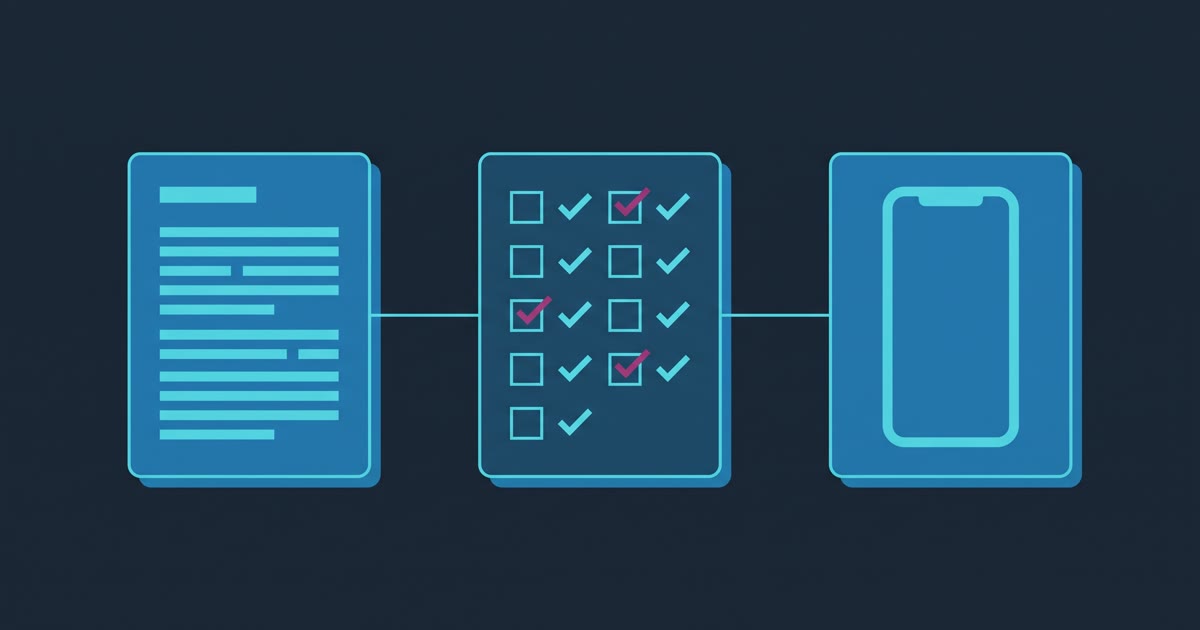
Both app stores require a privacy policy before they will accept your app, and both will reject a policy that is present but wrong. The part that surprises most first-time app owners is that the policy is only one of three things you have to produce. Apple and Google each ask you to fill in a separate structured disclosure form about your data practices, and they check that form against your written policy and against what your app actually does.
Three artifacts, then, not one: the policy itself, the store's disclosure form, and the app's real behavior. Rejections almost never come from a missing policy. They come from the three disagreeing.
What Apple checks
Apple's App Review Guidelines put the requirement in section 5.1.1. All apps must link to a privacy policy in two places: the App Store Connect metadata field, and somewhere easily reachable inside the app itself. Only doing the first is a common and avoidable rejection.
The guidelines are specific about what the policy has to say. It must identify what data the app collects, how it collects it, and every use of that data. It must confirm that any third party you share user data with, including analytics tools, ad networks and SDK vendors, gives that data the same protection your own policy promises. And it must explain your retention and deletion practices, including how someone revokes consent and requests deletion of their data. Apps that let people create an account also have to offer account deletion from inside the app.
Separately from the policy, you complete Apple's App Privacy details in App Store Connect. This is the questionnaire behind the privacy label on your store listing. You declare which data types you collect, why you collect each one, whether it is linked to a user's identity, and whether it is used for tracking. Apple states plainly that this information is required to submit new apps and app updates, and that you are responsible for keeping the answers accurate as your practices change. You can update the answers without shipping an app update, which is worth knowing, because most owners assume a correction requires a whole release.
What Google checks
Google Play requires the same two things under different names. Every published app has to complete the Data safety form, including apps that are only on testing tracks. The narrow exemptions cover internal testing, system services and private apps, not a normal small-business app.
A privacy policy is required in order to complete that form, and Google requires one even from apps that declare zero data collection. If your position is that you collect nothing, you still write and host the document that says so.
Google's enforcement language is worth reading twice, because it is about the mismatch rather than the paperwork. Where Google becomes aware of a discrepancy between an app's behavior and its declaration, it may take enforcement action, and non-compliant apps face blocked updates or removal from the store. A blocked update is the practical risk here. Your app stays live but frozen, and you find out when you try to ship a fix.
The part nobody warns app owners about
Both stores hold you responsible for data collected by code you did not write.
If your app includes a crash reporter, a push notification service, an analytics SDK, a login-with-Google button, or an advertising network, that vendor's data collection is your disclosure obligation. Apple's guidance defines third-party partners as analytics tools, ad networks, third-party SDKs and other external vendors whose code you have added, and expects all of it identified. Google requires the same declaration for data collection or sharing carried out by third-party code, and states that ensuring that code complies with Play policy is your responsibility.
Apple has gone one step further for iOS. A list of commonly used third-party SDKs, including Firebase, the Facebook SDK, Flutter and React Native components and OneSignal among roughly eighty others, must ship a privacy manifest, plus a signature when used as a binary dependency, for new submissions and for updates that add one of them. That is a developer-side task rather than a paperwork task, but it belongs on your pre-submission checklist because it fails at upload time.
Here is the shape of the problem, as an illustrative scenario rather than a specific project: an owner writes an honest policy describing their own database, ticks the no-data-collected option on both disclosure forms, and ships an app whose analytics SDK quietly gathers a device identifier and coarse location. Nothing in that sequence was dishonest. All three artifacts still disagree, and the store is checking the app, not the intent.
The fix is to inventory the SDKs before you write anything. Ask whoever built the app for the list, then map each one to the data types it collects. If your developer cannot produce that list, that itself is a finding.
What our free generator does
The app privacy policy generator exists because of the three-artifact problem specifically. It walks a questionnaire covering app and company details, whether users have accounts, which data types you collect, which third-party services are bundled, whether you share or sell data, whether the app targets children under 13, which regimes you need covered such as GDPR or CCPA, and your retention and deletion practices.
It returns three things rather than one. You get the policy as text, HTML or a downloadable file. You get a store form cheat sheet that tells you which data types to declare in App Store Connect and in the Play Console, derived from the same answers that produced the policy. And you get retention guidance to fill in the section most templates leave blank.
That second output is the point. A policy generated from one set of answers and a disclosure form filled in from memory a week later is exactly how the artifacts drift apart. Every answer stays in your browser tab, nothing is sent to a server, and there is no signup or email gate, the same as the rest of the free tool library.
Where this is the wrong tool
It is a starting template, not legal advice, and the tool says so on the page. If you handle health records, run a regulated financial product, process payments directly rather than through Apple or Google, target children as a primary audience, or operate somewhere with a data protection regime you cannot name off the top of your head, have a lawyer draft or review the document. A generator is a fast way to get a defensible first draft in front of a lawyer for less billable time. It is not a way to skip one.
The same caution applies to the disclosure forms. The cheat sheet reflects the answers you gave. If those answers are wrong because nobody audited the SDKs, the forms will be wrong in a way no tool can catch.
Doing it in the right order
Write the policy after you know what the app collects, not before. Inventory the SDKs, run the generator, host the policy at a stable public URL that requires no login, link it in the store metadata and inside the app, then fill in Apple's App Privacy details and Google's Data safety form from the cheat sheet in one sitting so they cannot drift.
Everything described here reflects both stores' published requirements as of August 2026. Check the linked pages before you submit, because these rules move, and the version that matters is the one live on the day a reviewer opens your submission.
If you are working through the whole submission for the first time, the privacy step sits inside a longer sequence covered in our guide to publishing an app to the App Store and Google Play. If you would rather hand the entire launch to someone who has done it before, that is what a free intro call is for.
Your app. In the stores. Done for you. US APP Team designs, builds, and launches your iOS and Android app for a fixed price. Start your app brief or book a free intro call — both are free.
Want to poke around first? Every tool in our free tool library runs in your browser with no signup: an app cost calculator, an app name generator, and a privacy policy generator.
