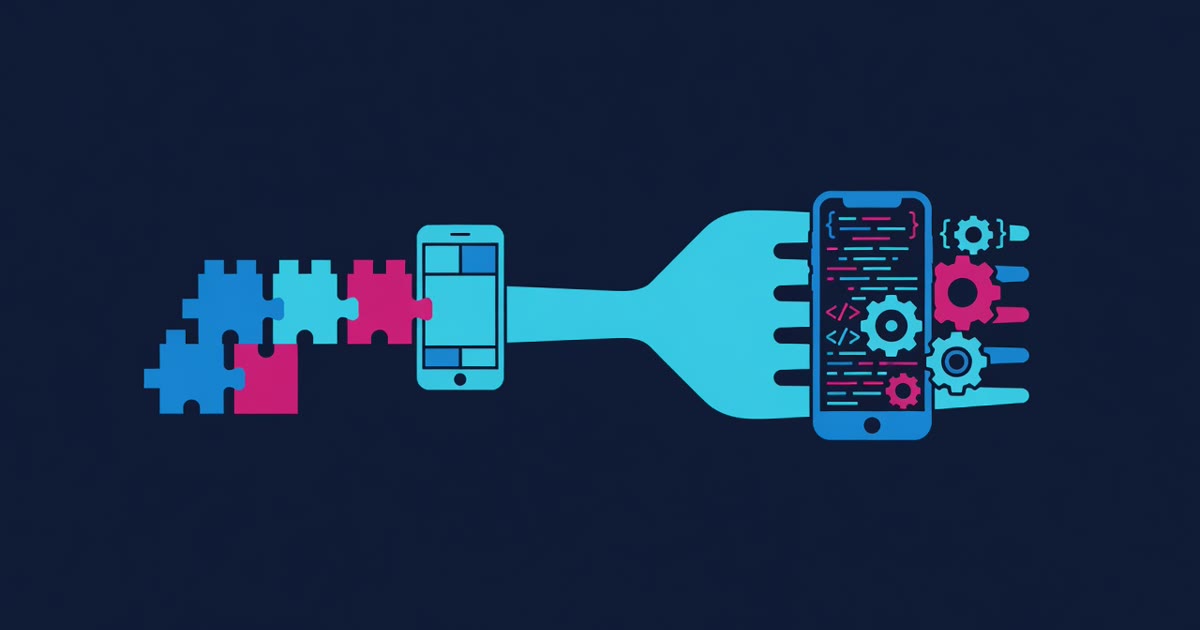
No-Code App Builder vs Custom App Development: How to Choose
In the no-code app builder vs custom app development choice, pick a no-code builder if you are testing an idea, you have time to build it yourself, and you can live with the platform's limits. Pick custom app development if the app is the business, you need to own the code, or you already know the builder can't do one of your core features. Most people should start by asking one question: if this works, will I be allowed to take it with me?
This guide compares the two on cost, ownership, speed and limits, using each vendor's own pricing page as of November 2026.
What a no-code app builder costs in 2026
No-code builders charge a monthly subscription. You do the building, so your time is the hidden cost. Here is what three popular builders charge to publish a mobile app, taken from their own pricing pages as of November 2026.
| Builder | Cheapest plan that publishes a mobile app | What to watch |
|---|---|---|
| Bubble | $42/month (Mobile Starter, billed yearly) or $59/month for web and mobile | Usage is metered in "workload units". Starter includes 175K a month, and you pay more past that |
| FlutterFlow | $39/month (Basic) | Basic includes source code download and one-click store deployment |
| Adalo | $65/month (Builder) | Builder publishes 2 apps; the $200/month Business plan lets you view all of Ada's code |
On top of any of these you still pay Apple $99 a year for the Apple Developer Program and Google a one-time $25 registration fee. That is true for no-code and custom apps alike.
So a solo founder can get a simple app into both stores for roughly $600 to $900 in year one at monthly or yearly list prices, plus their own evenings. That is a real advantage, and anyone who tells you no-code is a toy is not being fair.

No-code trades money for your time: the subscription is cheap, but you are the developer.
What custom app development costs
Custom development means a developer or team writes the app in code that can be handed over to you. You pay once for the build and a smaller amount to keep it running.
Our own prices are published so you can compare. A Starter build with one core purpose starts at $3,500, a Business build with accounts or payments starts at $7,500, and a custom build tops out at $12,000. Each one ships to both the App Store and Google Play, and the full breakdown is on the pricing page. After launch, hosting typically runs about $40 to $80 a month in accounts you own.
Larger agencies charge far more because they price bigger products. Our guide to what an MVP app really costs explains where those gaps come from.
In year one, no-code is almost always cheaper in cash. Custom gets closer the longer the app lives and the more people use it, because you stop paying a builder subscription and usage fees on top of hosting.
Who owns the app when you leave
This question should decide most cases, and most people skip it.
Bubble is clear about it. Its manual says on the application and data ownership page that Bubble apps can only run on Bubble and there is no way to export your application as code. If you leave, you rebuild the logic somewhere else. Your data can be exported, but the app itself stays.
Other builders handle this differently. FlutterFlow lists source code download on its Basic plan and up, so you can take the Flutter code to any developer. Adalo's pricing page lists a sample of the code on Builder and a view of all the code on Business. Read the current plan page before you commit, because these features change.
With custom development, ownership depends on your contract, not the tool. Paying for code does not make it yours by default. Our guide to what to put in an app development contract covers the assignment clause you need, whoever you hire, us included.
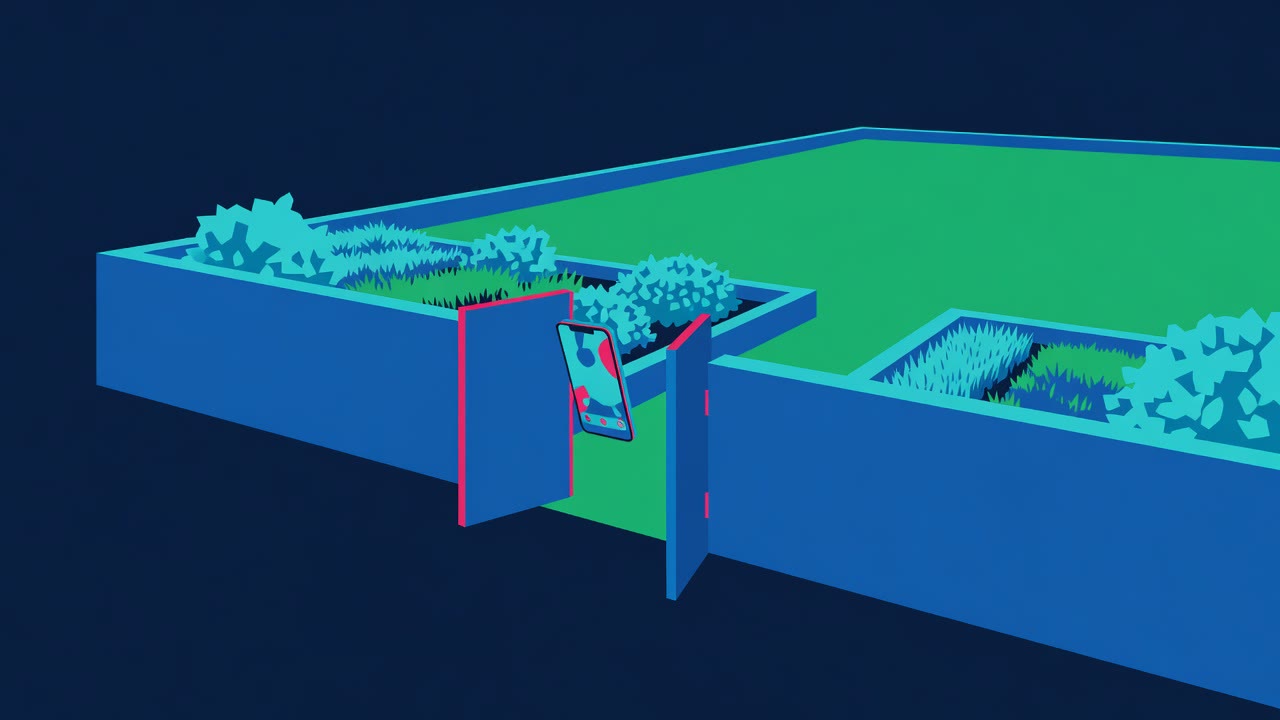
Before you build, check whether the app can leave the platform with you.
Where no-code is the right call
No-code is the smarter spend in these situations:
- You are testing whether anyone wants the idea. A builder lets you put something in front of users in weeks for a few hundred dollars. If nobody cares, you lost little.
- It is an internal tool. A staff checklist, an inventory form or a field report for your own team rarely needs custom code.
- You enjoy building and have the time. If you are happy to learn the tool, you save the build cost entirely.
- The app is mostly forms, lists and a database. This is what builders do best.
In these cases we would tell you not to hire us. Paying $3,500 to test an idea you could test for $42 a month is a poor trade.
Where custom development is worth it
Custom tends to win when one of these is true:
- The app is the product you sell. Investors and buyers will ask who owns the code. "It lives on a platform we rent" is a weak answer.
- You need a feature the builder can't do. Common walls are deep device features, such as background location or Bluetooth, unusual offline behavior, and custom animations. Test your hardest feature on the builder first, not your easiest.
- Usage will grow. Metered plans are cheap when traffic is small. Read how the meter works before you have thousands of users, not after.
- You don't have time to build it yourself. A builder still needs a builder. If that person is you and your week is full, the real cost is the launch that never happens.
There is also a middle path. Some founders build a no-code version, prove people want it, then pay for a custom version with what they learned. That is a sensible plan, as long as you expect the rebuild and budget for it.
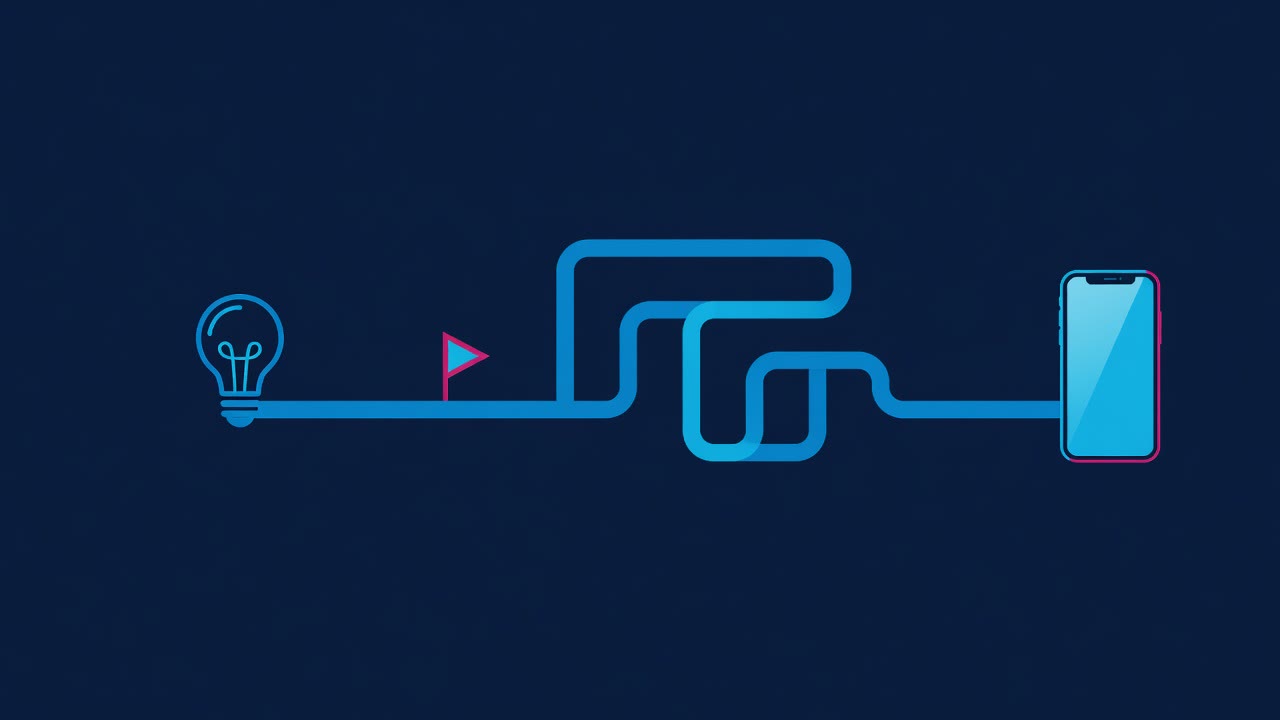
A cheap test comes early on the road. The rebuild in code comes later, once people want the app.
How long each one takes
A simple no-code app can be ready in days or weeks, depending on how fast you learn the tool. Store review adds time either way. Apple and Google both review apps before they go live, and our guide to publishing an app to the App Store walks through those steps.
A custom build takes longer, because a developer writes, tests and submits every screen. For a fuller timeline, see how long it takes to build an app.
A quick way to decide
Write down three things: the one feature your app cannot live without, what you will do if the app succeeds, and how many hours a week you can give it. Then try that one feature on a free no-code plan. If the builder handles it well and you are happy to build, start there. If it fights you, or you need to own what you build, custom is the cleaner route.
No-code app builder vs custom app development FAQ
Is a no-code app builder cheaper than custom app development?
In year one, almost always. When you weigh a no-code app builder vs custom app development on cash alone, a builder plan plus store fees costs a few hundred dollars a year, while a custom build with us starts at $3,500. The gap narrows the longer the app runs and the more people use it.
Can I move a no-code app to custom code later?
It depends on the builder. Bubble's manual says you cannot export the app as code, so you rebuild it. FlutterFlow lets you download the source code on its paid plans. Check the plan page before you start.
Can a no-code app go on the App Store and Google Play?
Yes. Bubble, FlutterFlow and Adalo all have plans that publish to both stores. You still need your own Apple and Google developer accounts.
Get a second opinion
If you want a second opinion, the app brief wizard helps you write the idea down. You can also book a free intro call. We will tell you plainly if a no-code builder is the better fit.
Your app. In the stores. Done for you. US APP Team designs, builds, and launches your iOS and Android app for a fixed price. Start your app brief or book a free intro call — both are free.
Want to poke around first? Every tool in our free tool library runs in your browser with no signup: an app cost calculator, an app name generator, and a privacy policy generator.
